In brief
- Approach calmly and secure the animal, without putting yourself in danger.
- Scan its medallion: its profile opens in your browser, with no app to install.
- Report finding it from its profile and, if you agree, share your location: its owner is notified immediately, by notification and by email.
- No medallion or contact: a vet can read its microchip, and the town hall or the pound take over.
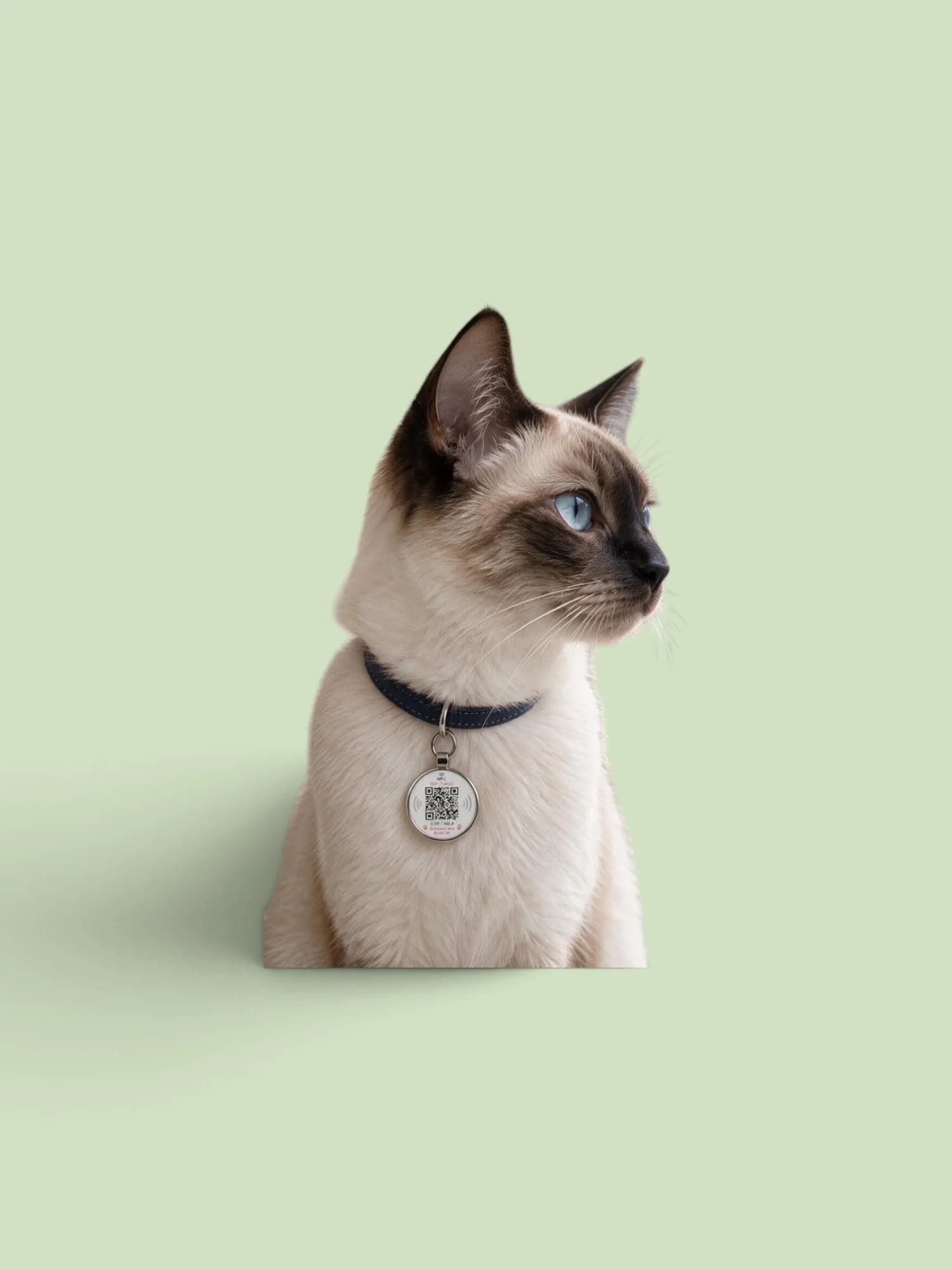
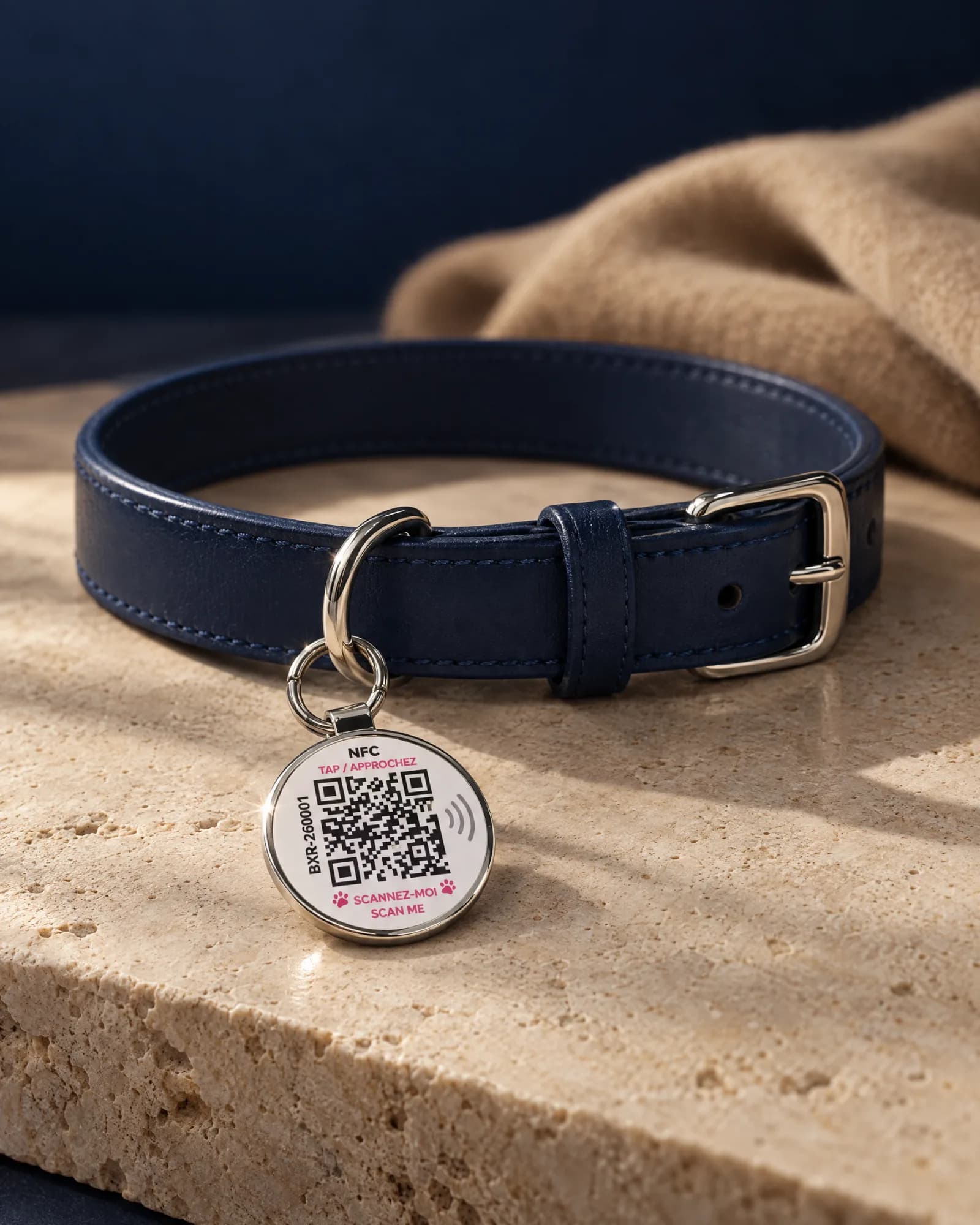
You come across a dog or a cat on its own, with no owner in sight. It very probably has a family looking for it. If it wears a Bixar medallion, you can alert them in a few seconds.
- 01SecureApproach calmly, move the animal away from the road.
- 02Scan the medallionIts profile opens in your browser, with no app.
- 03Report, shareReport finding it, call, or share your location.
1. Secure the animal
If you can do so safely, move it away from the road and keep it on a lead or in an enclosed space.
2. Scan its medallion
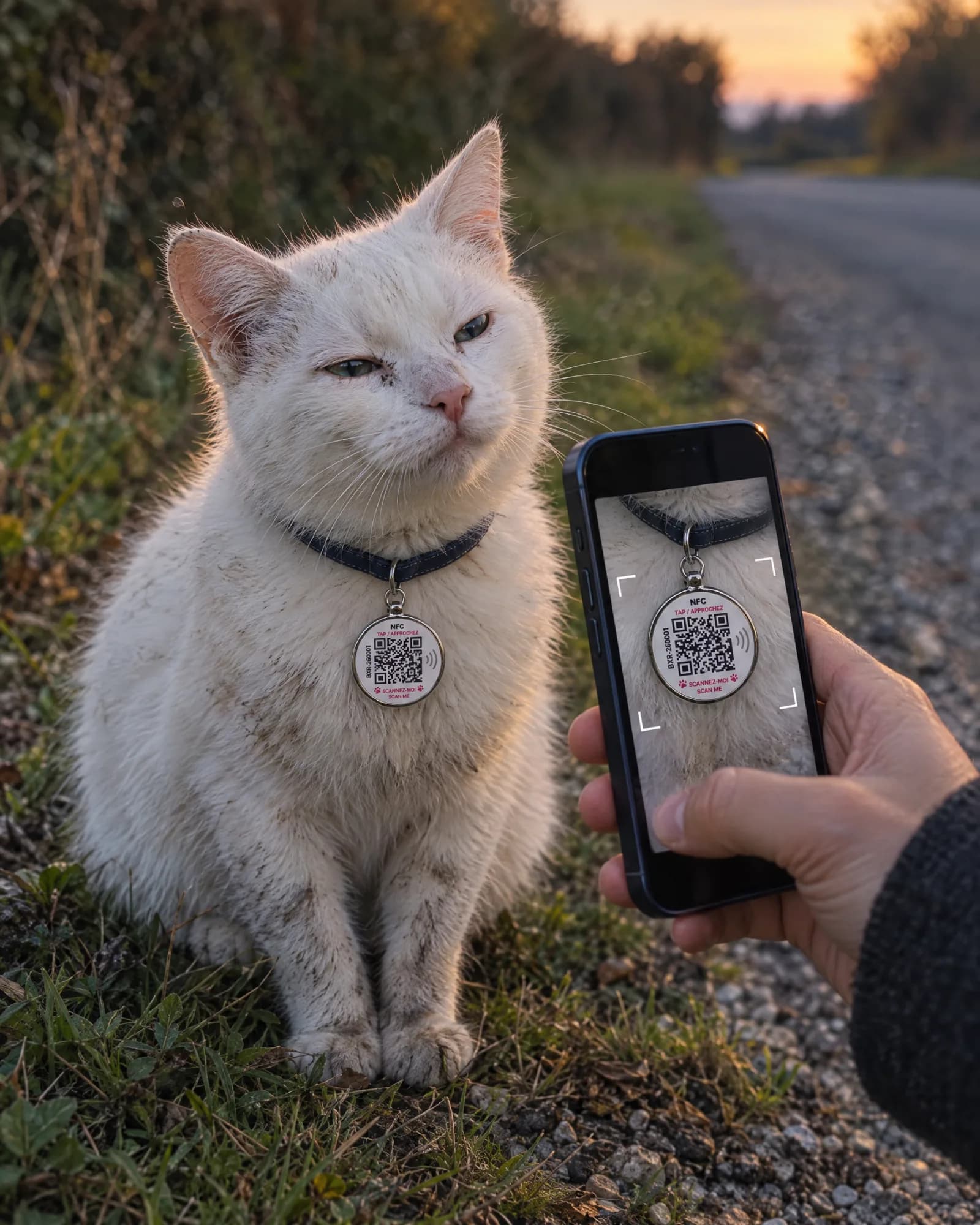
Point your phone’s camera at the QR code, or simply hold the phone close to the medallion (NFC). The pet’s profile opens in your browser: you have nothing to install and no account to create.
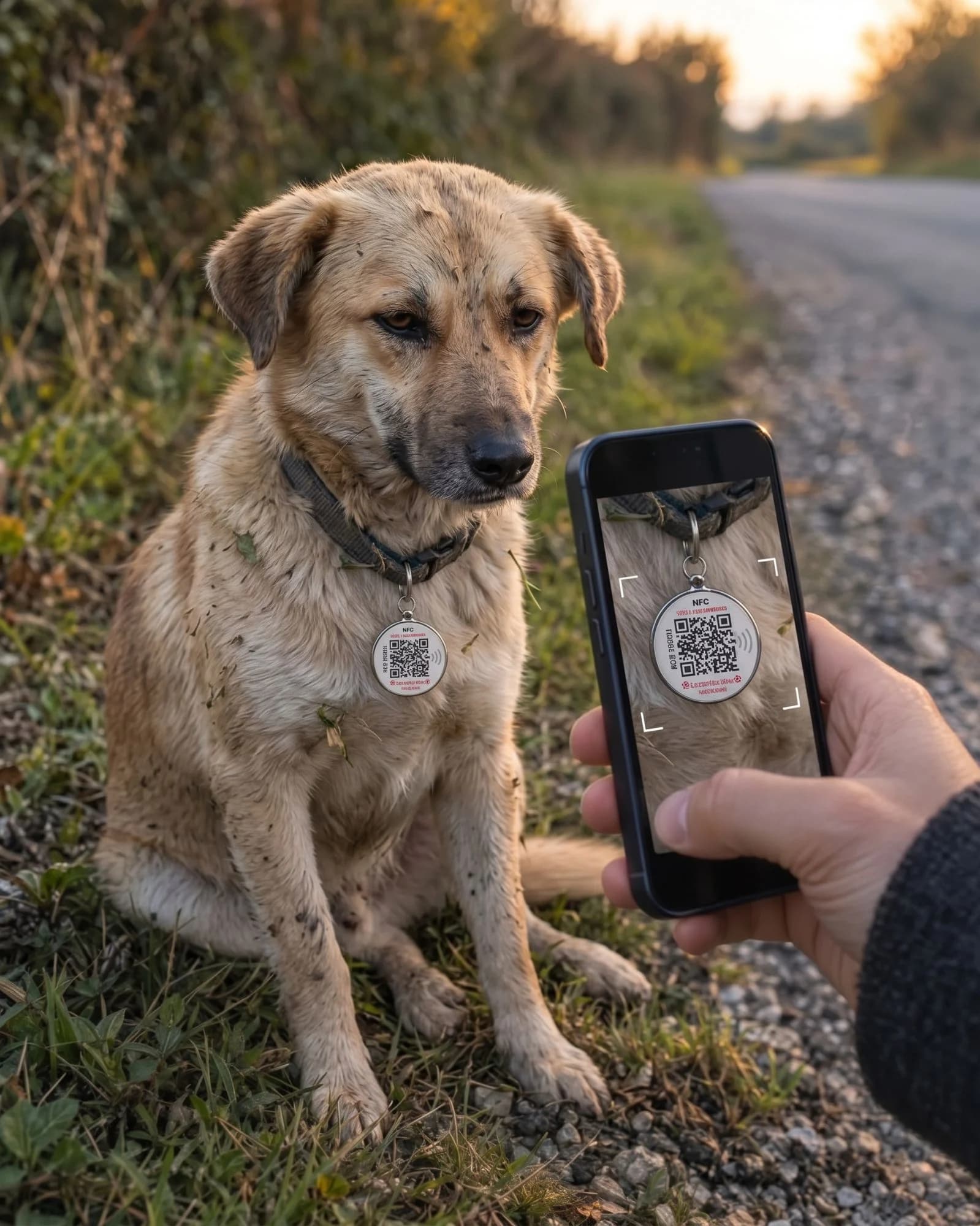
A found dog
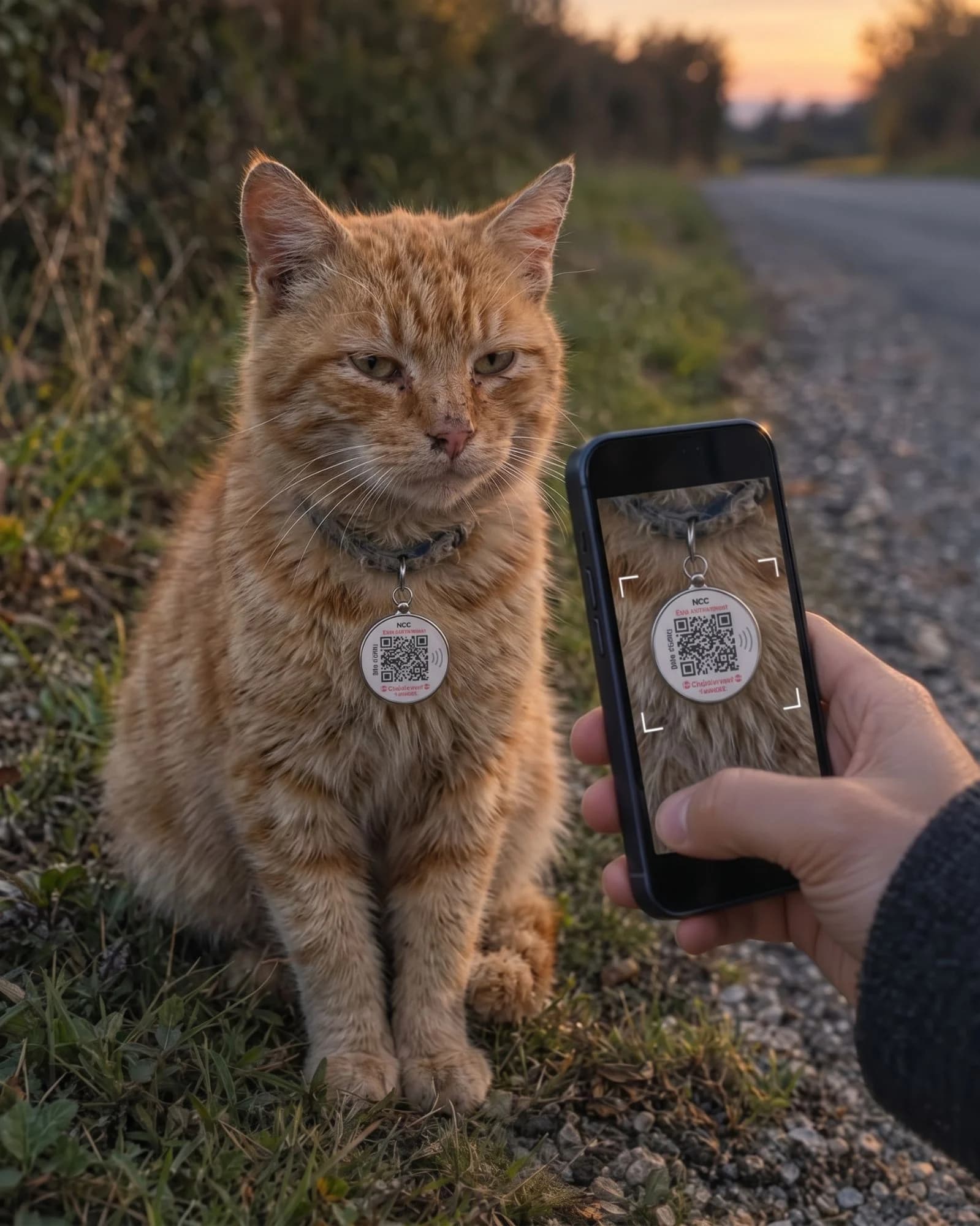
A found cat
3. Contact its owner and share your location
From the profile, you can call its family, write to them, or report finding it. After the report, the page offers to share your location: it is optional, it is only sent to the family and is never displayed publicly.
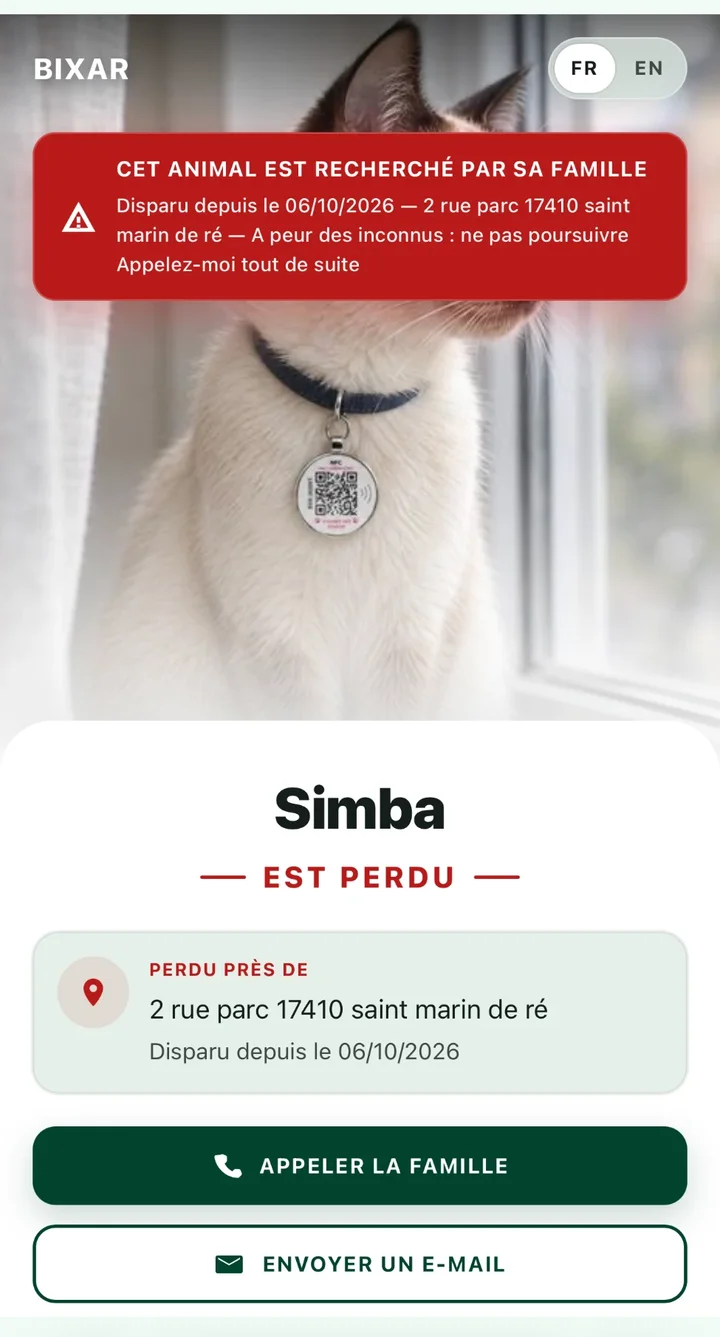
The profile in lost mode
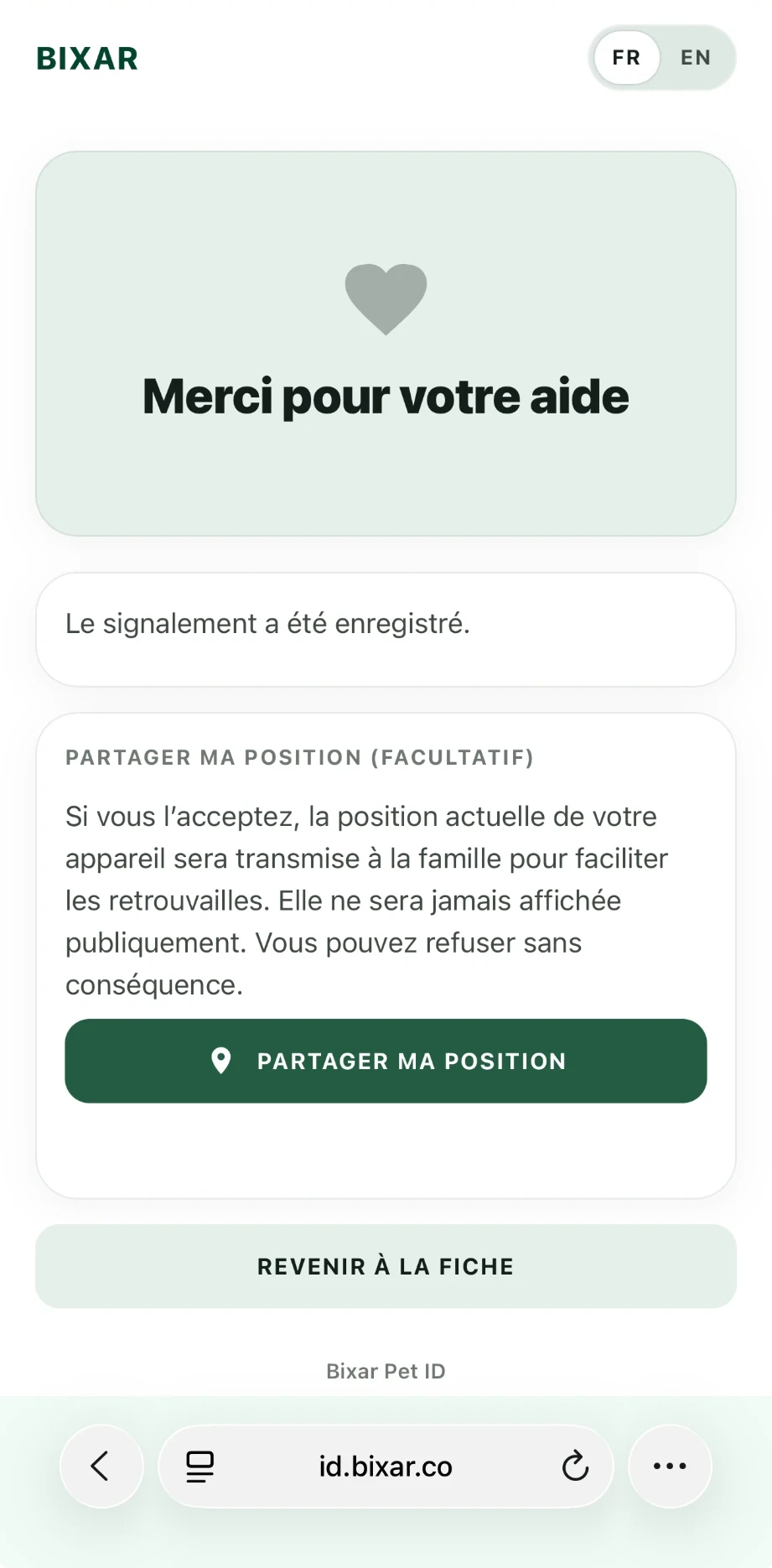
Report saved
Its owner is notified immediately: a notification on their phone, an email with the time of the report, and your location if you shared it.
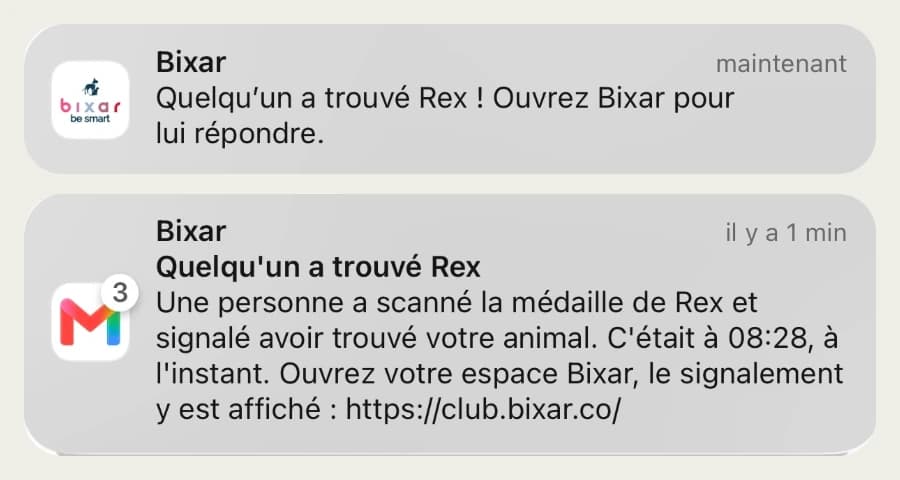
- A notification“Someone has found…” on their phone, as soon as you report it.
- An emailWith the time of the report, also shown in their Bixar account.
- Your locationIf you agree: sent to the family, never displayed publicly.
- A call or an emailDirectly from the profile, to the contact details they chose to display.
No medallion: the microchip and the town hall
If it wears an engraved tag, call the number on it. Otherwise, a vet can read its microchip and find its owner through the I-CAD register. The town hall or the pound also take in animals found on public roads; the official procedures in France are detailed on Service-Public.
And if it is your pet that has gone missing: the hour-by-hour checklist.