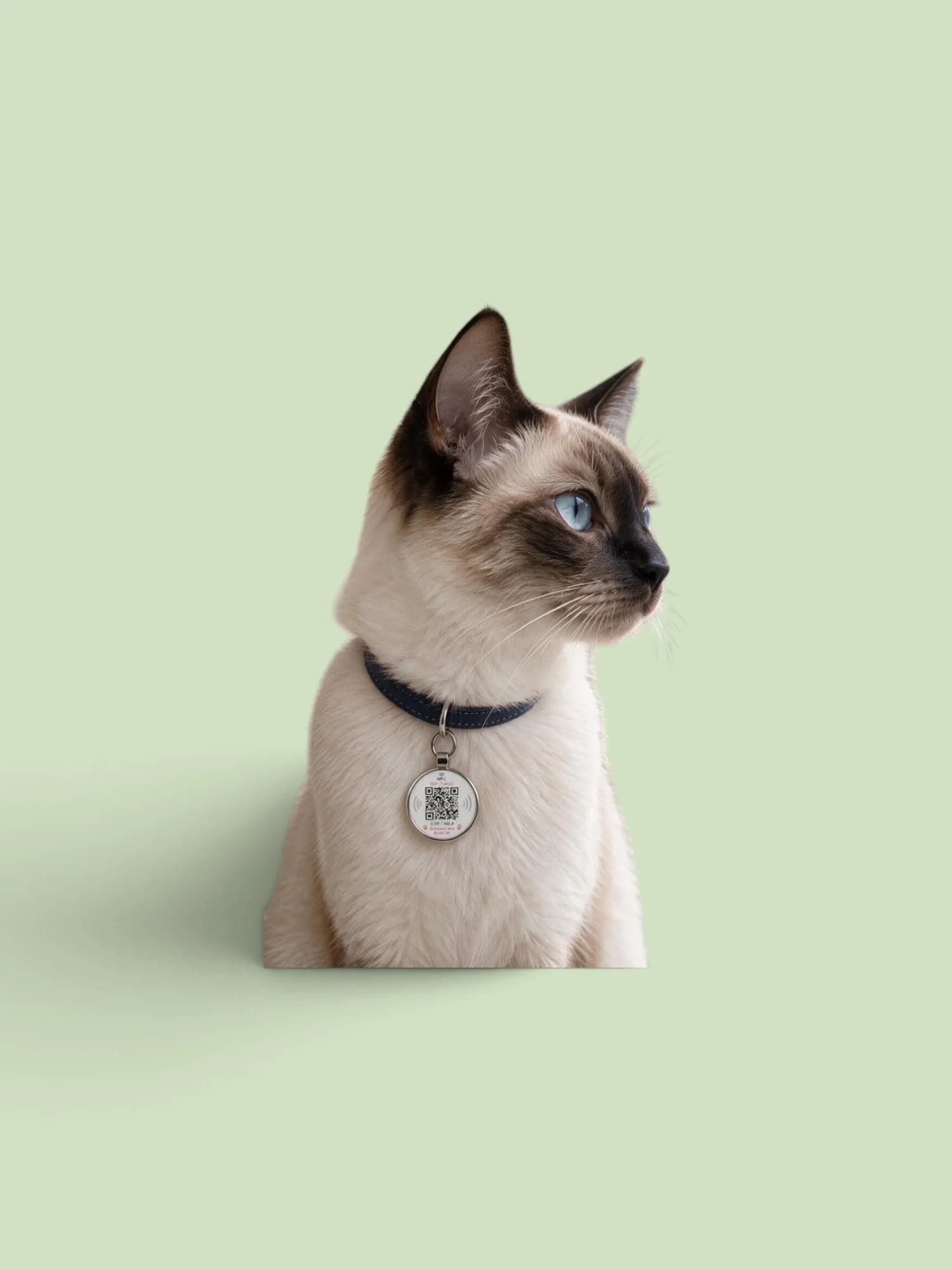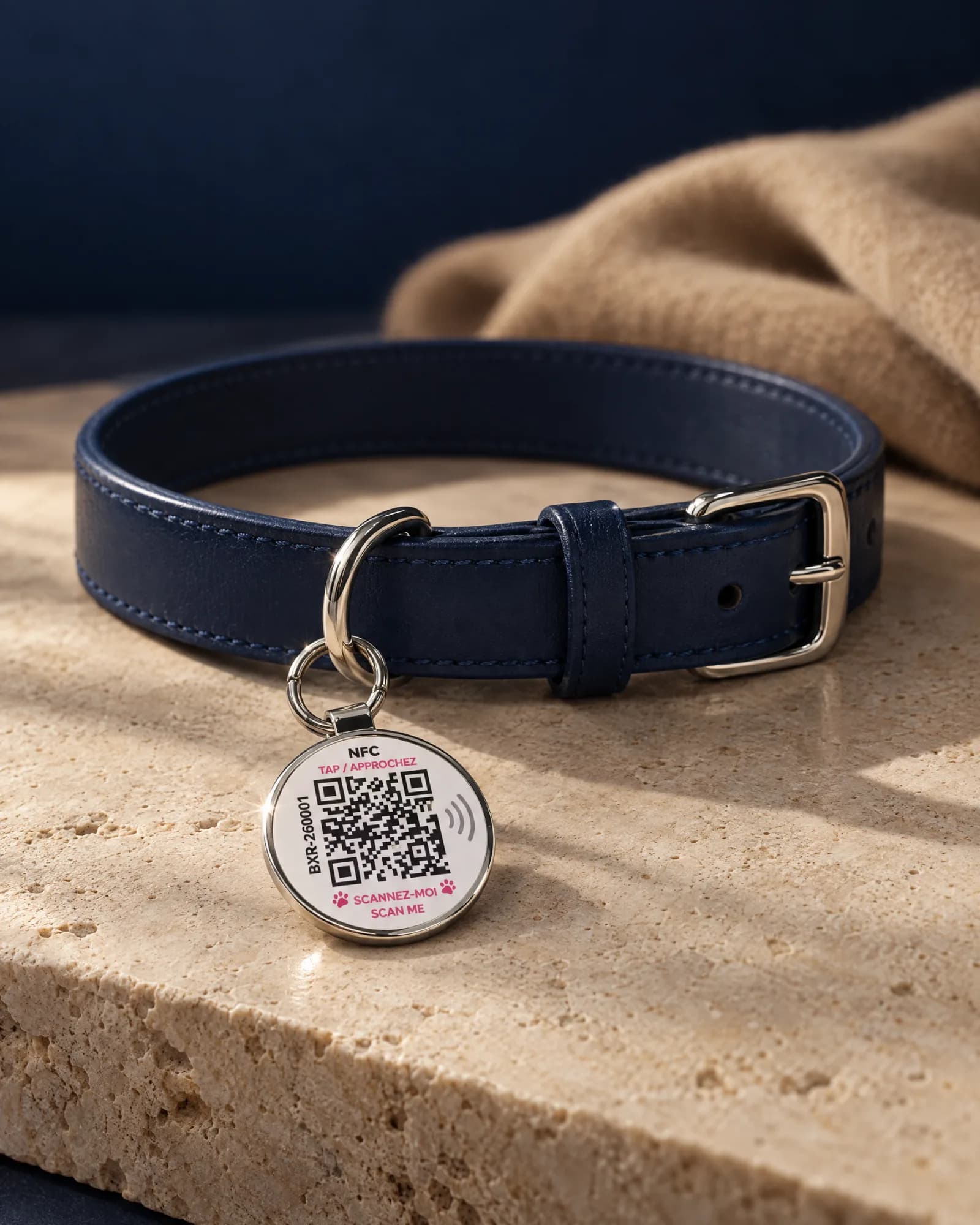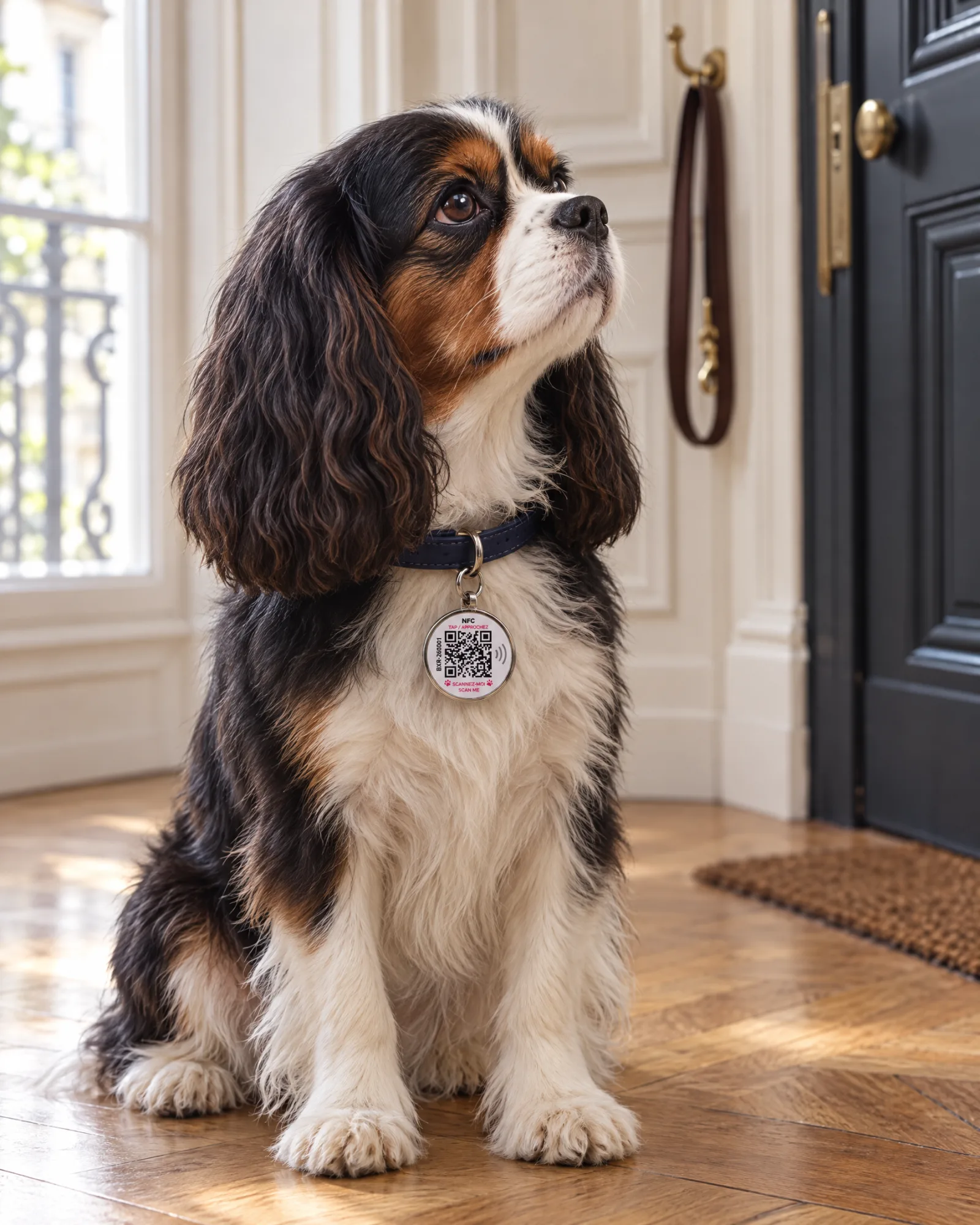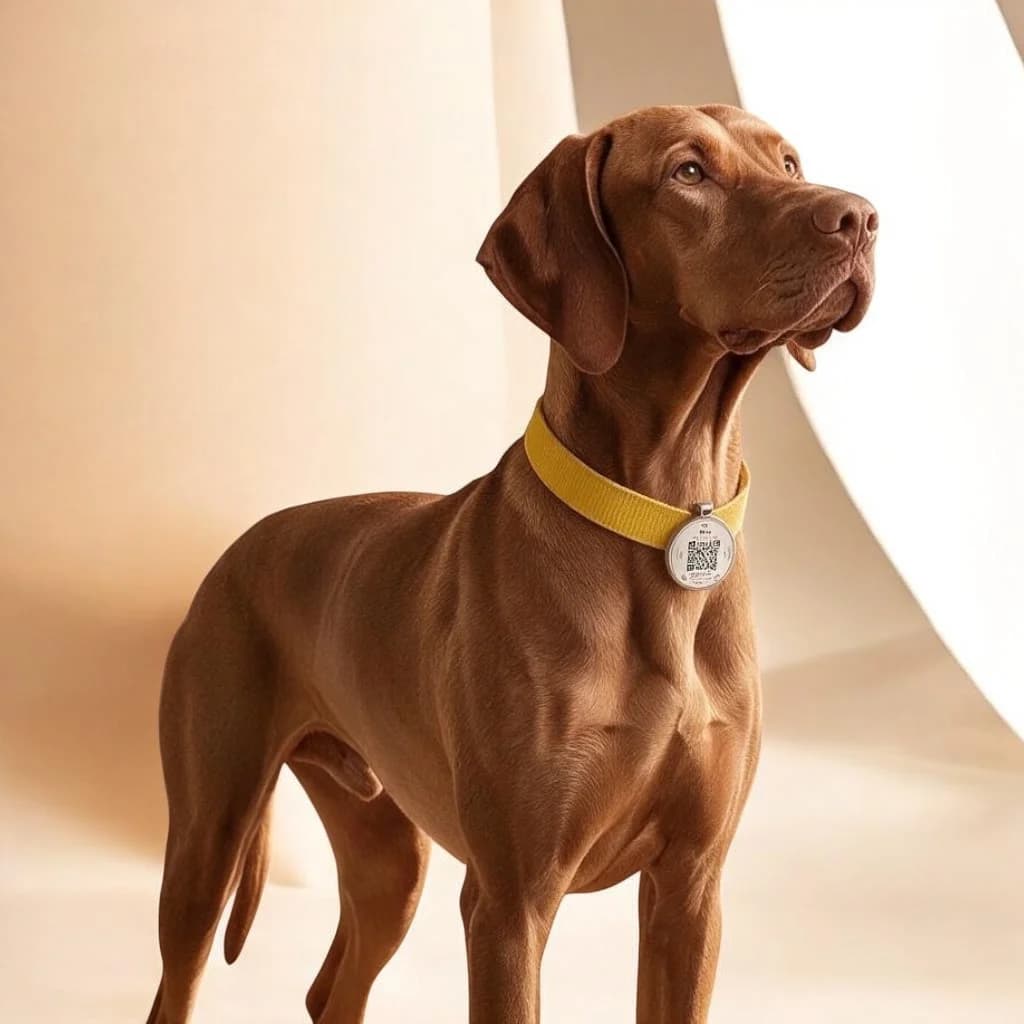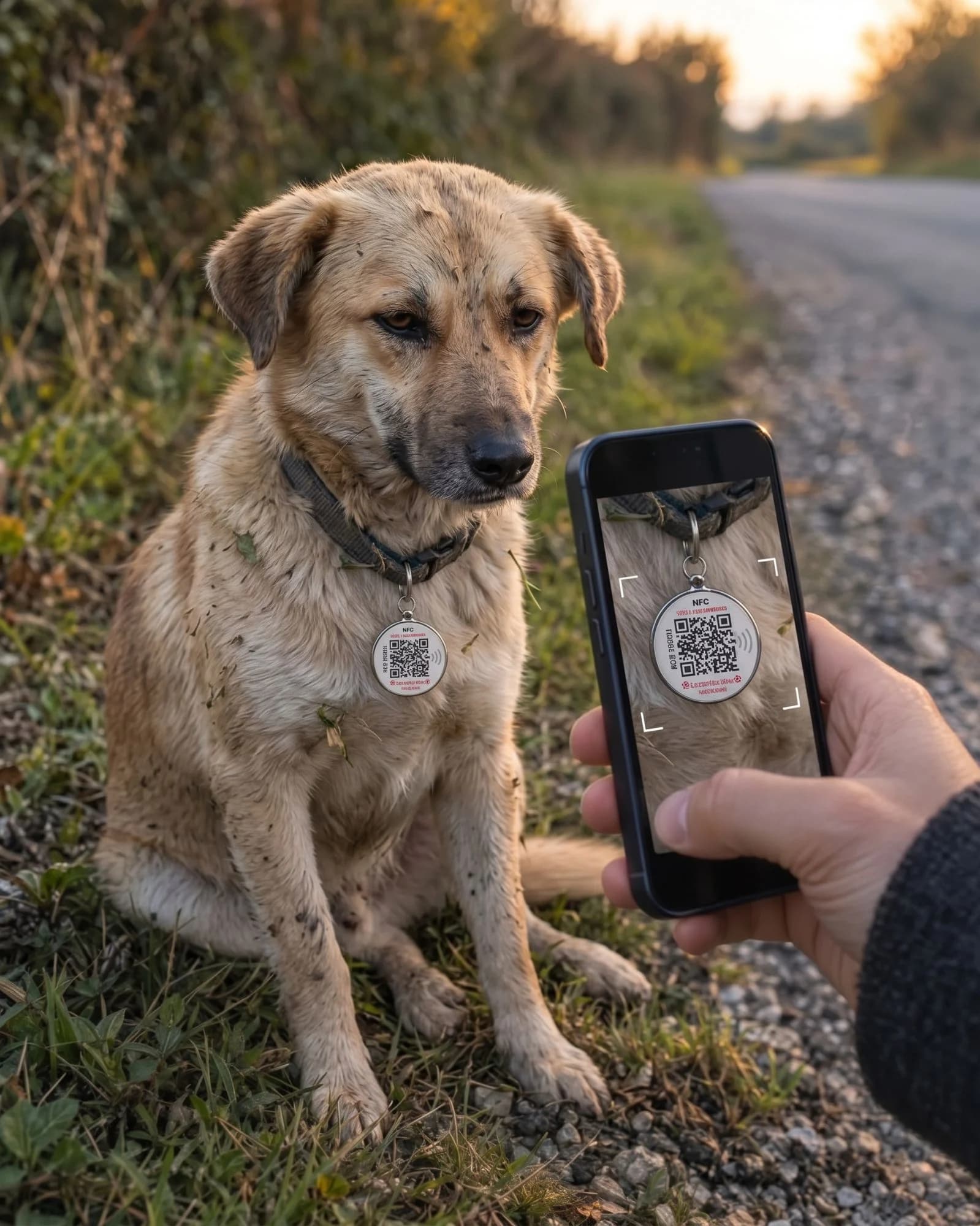
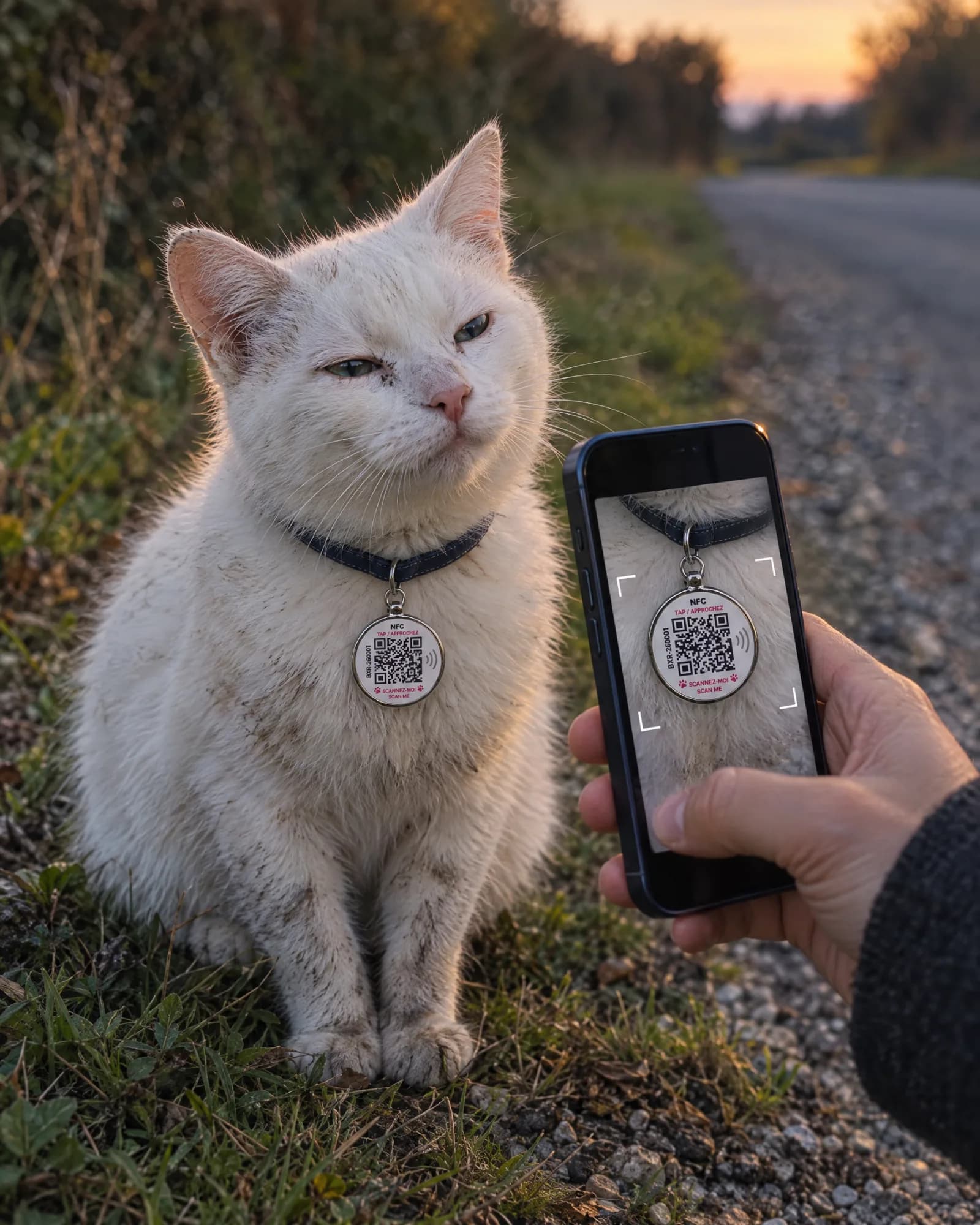
In brief
- Scanning the QR code or holding a phone close (NFC) opens the pet’s profile.
- The person who finds it does not need any app.
- No battery, no subscription: the medallion works as long as it can be read.
- The person calls you or reports finding it: you are notified immediately.
A connected medallion does not tell you where your pet is. It does something else that is just as valuable: it lets the person who found it reach you in a few seconds, with their own phone.
- 01A scanCamera pointed at the QR code, or phone held close to the medallion (NFC).
- 02The profile opensIn the browser, with no app to install.
- 03They let you knowA call, or a report with their location: you receive a notification and an email.
A single scan is enough
The medallion has two ways into the same profile: a QR code, which you point the phone’s camera at, and an NFC chip, which you read simply by holding the phone close. Either way, the pet’s profile opens in the browser.
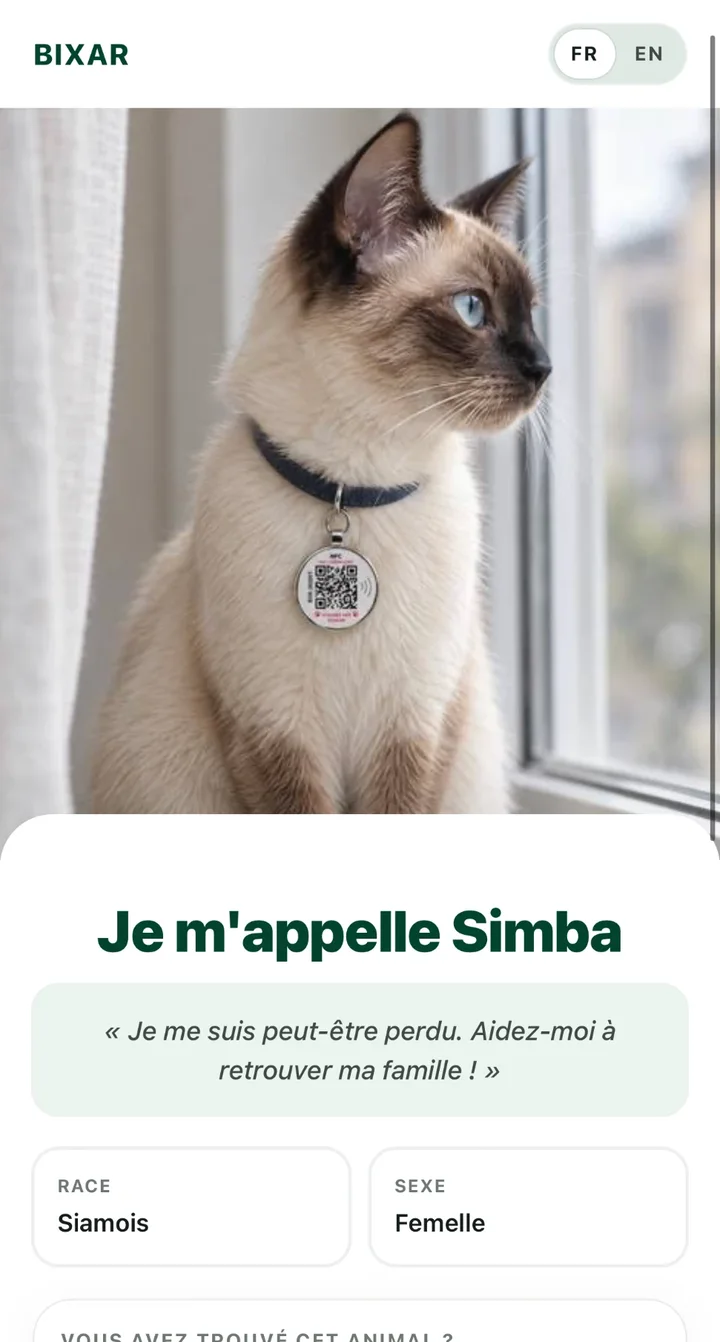
The pet’s profile
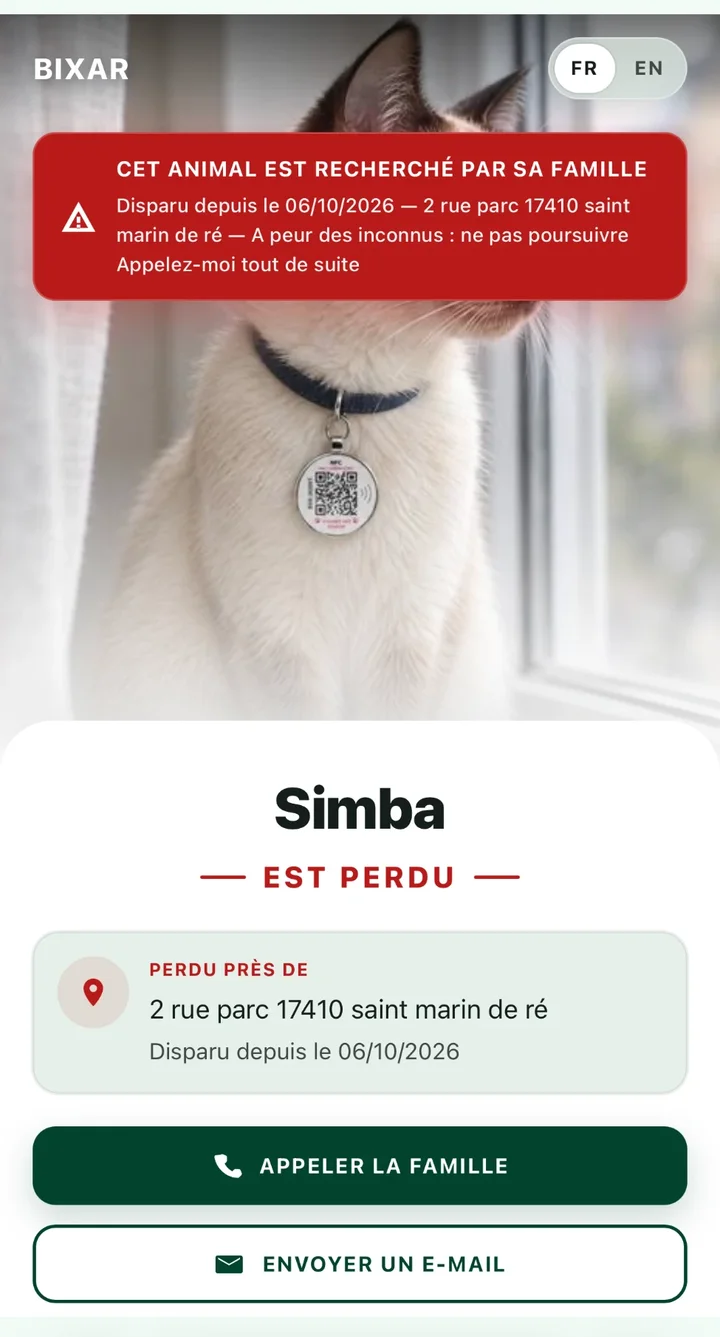
The same profile, in lost mode
No app needed
This is the key point: the person who finds your pet has nothing to install and no account to create. They scan, the page opens, they call you. Only you use the Bixar app, to manage what is displayed.
QR code and NFC: why both?
| Criterion | QR code | NFC |
|---|---|---|
| Action | Point the camera | Hold the phone close |
| Works at night, without aiming | Partial | Yes |
| Readable by any smartphone with a camera | Yes | Partial |
| Battery in the medallion | No | No |
Yes YesPartial PartialNo NoPartial: the QR code needs a little light; NFC depends on the phone (most recent models can read it).
What you control
- The public profileWhat the person who scans sees.
- The contactsThe ones you choose to display.
- Lost modeAn alert shown at the top of the profile.
- The health recordAnd sharing it with your vet.
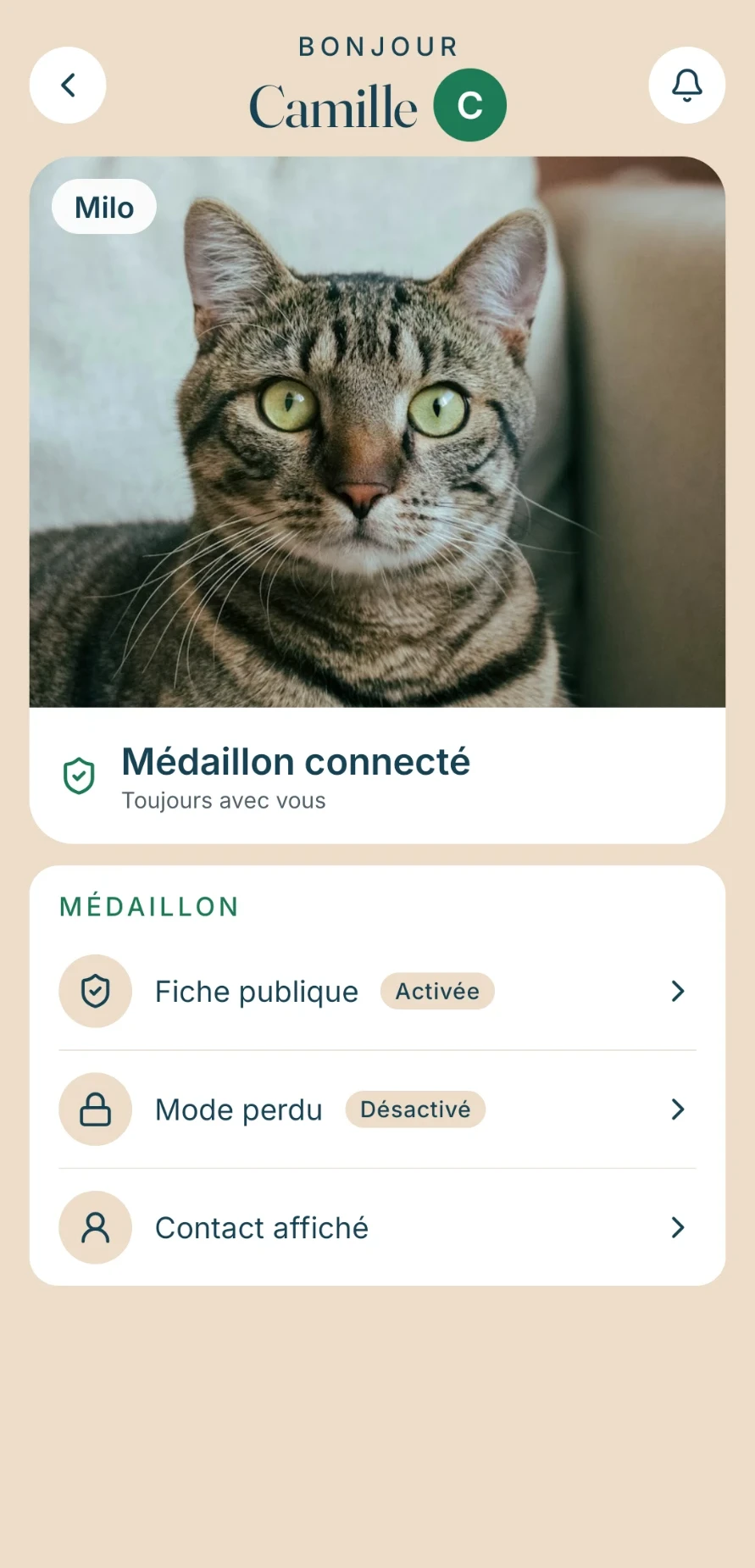
Milo’s medallion
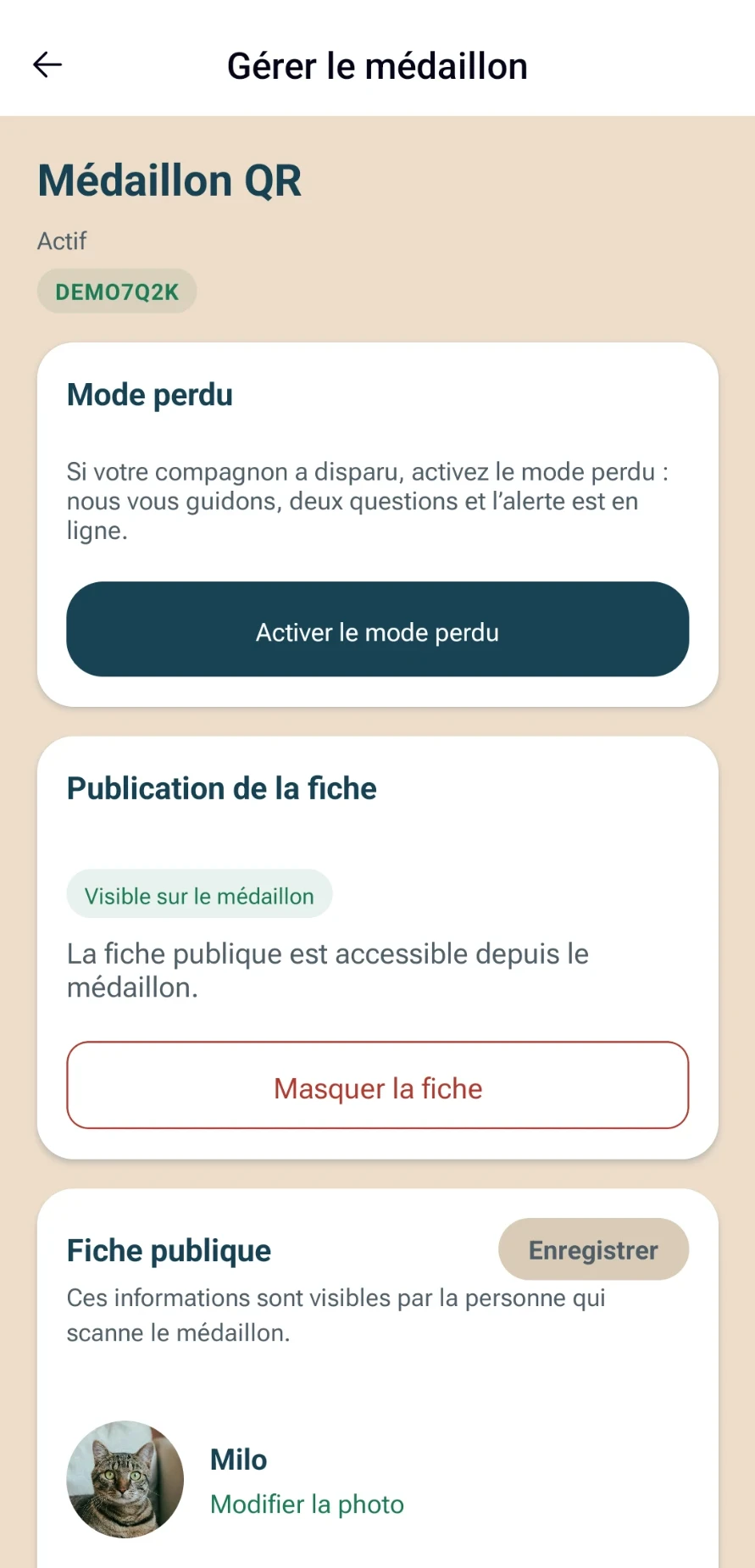
Manage the medallion
From the profile, the person who found it can call you, write to you, or report finding it and, if they agree, share their location. You are notified immediately, by a notification on your phone and by email. Lost mode changes the profile: a “lost” alert appears at the top of the page, with the place you specify and a button to call the family. You turn it on as soon as your pet goes missing — see what to do if your dog is lost.
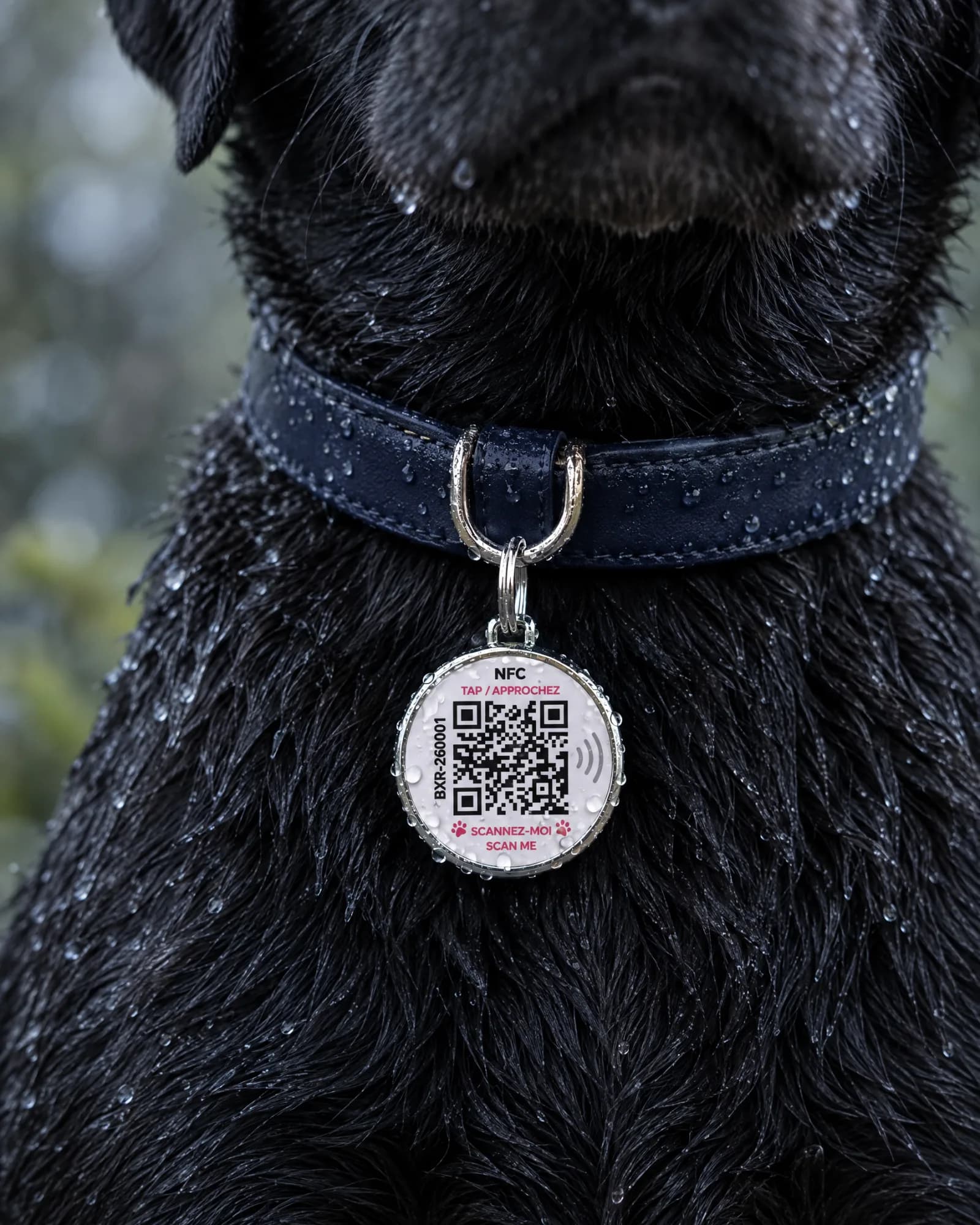
A medallion does not replace official identification by microchip or tattoo: it complements it. The differences are explained in microchip, engraved tag or QR medallion.
To activate the medallion step by step, follow the medallion activation and user guide. The medallion also gives access to the health record: see sharing the health record with your vet.