In brief
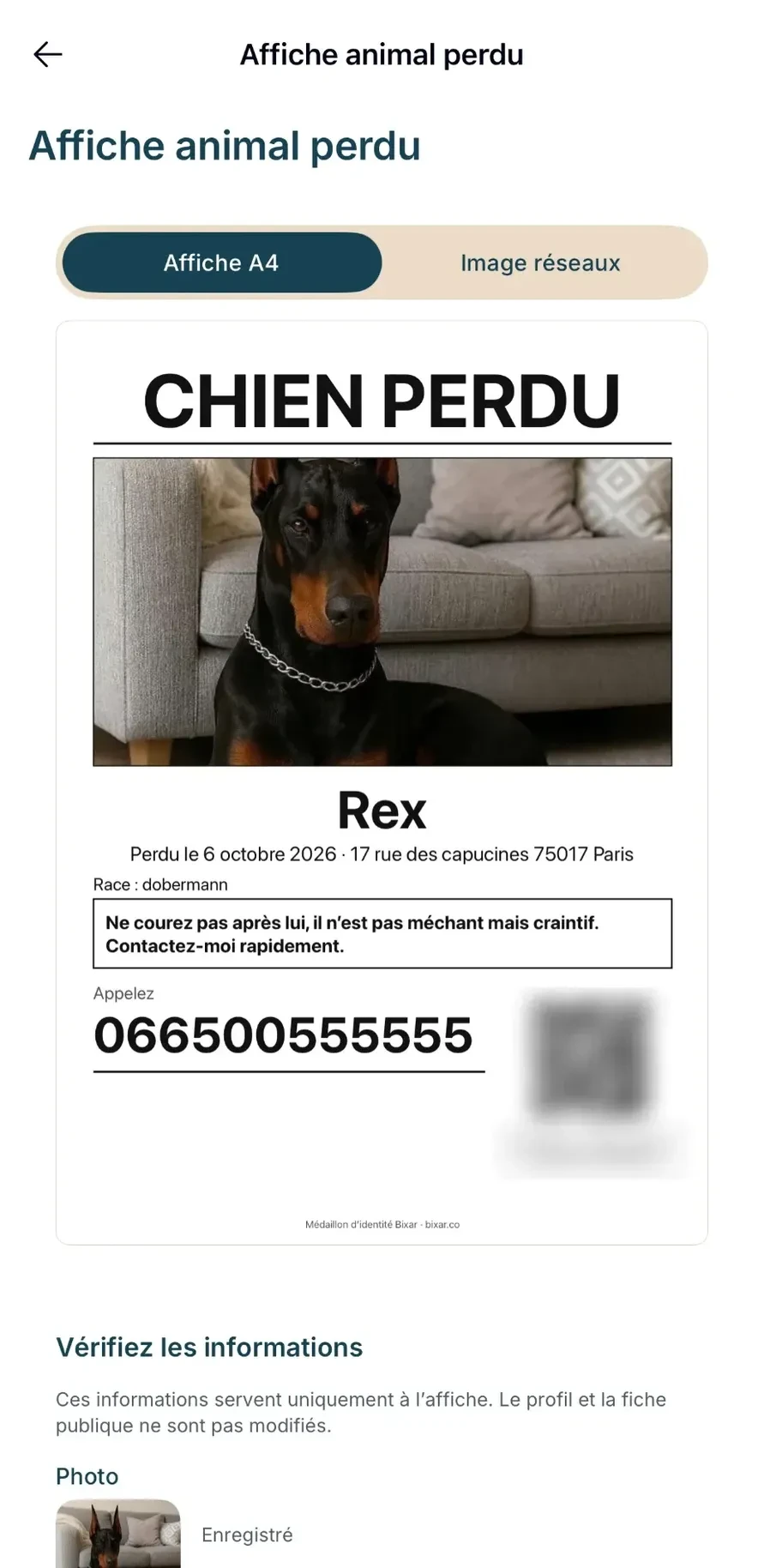
- A huge title, a recent sharp photo, a number that can be read from a distance.
- The place and date it went missing, and a useful instruction: “do not chase it”.
- A QR code linking to its profile gives all the details without overloading the poster.
- With the Bixar medallion, the app generates the A4 poster and the social media image.
A lost pet poster is read while walking, in a few seconds. What matters is not saying a lot, but being recognised and remembered.
- 01The title“Lost dog” or “Lost cat”, in very large letters.
- 02The photoRecent, sharp, the whole animal or face-on.
- 03Where and whenIts name, the date and place it went missing.
- 04The numberReadable from a distance, with a QR code linking to its profile.
The right ingredients
A very readable title, a recent photo in which the pet is recognisable, its name, the date and the place it went missing. Add a useful instruction, for example “do not chase it”: an animal that is chased moves further away. And a number written in large print.
With the Bixar medallion
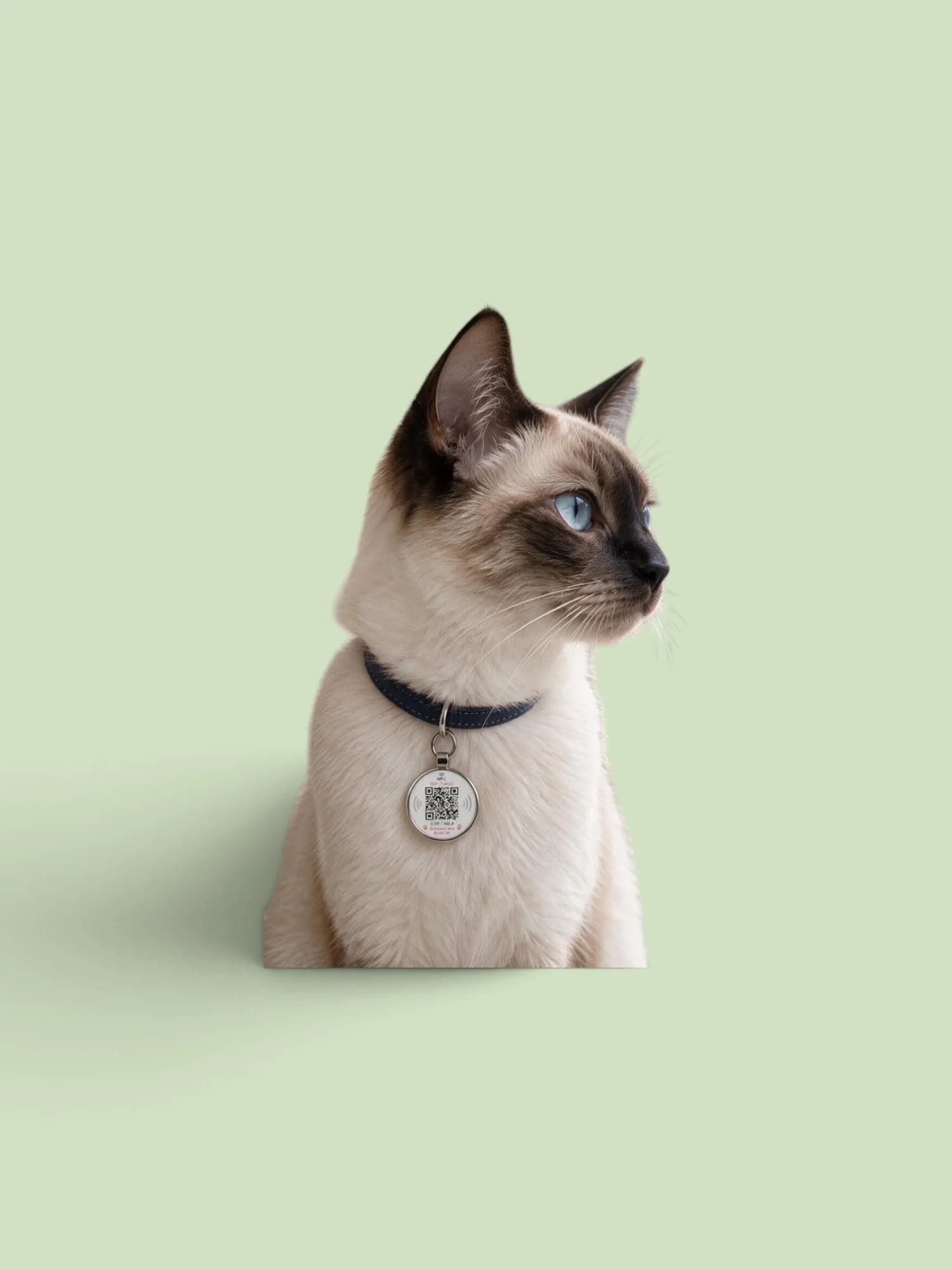
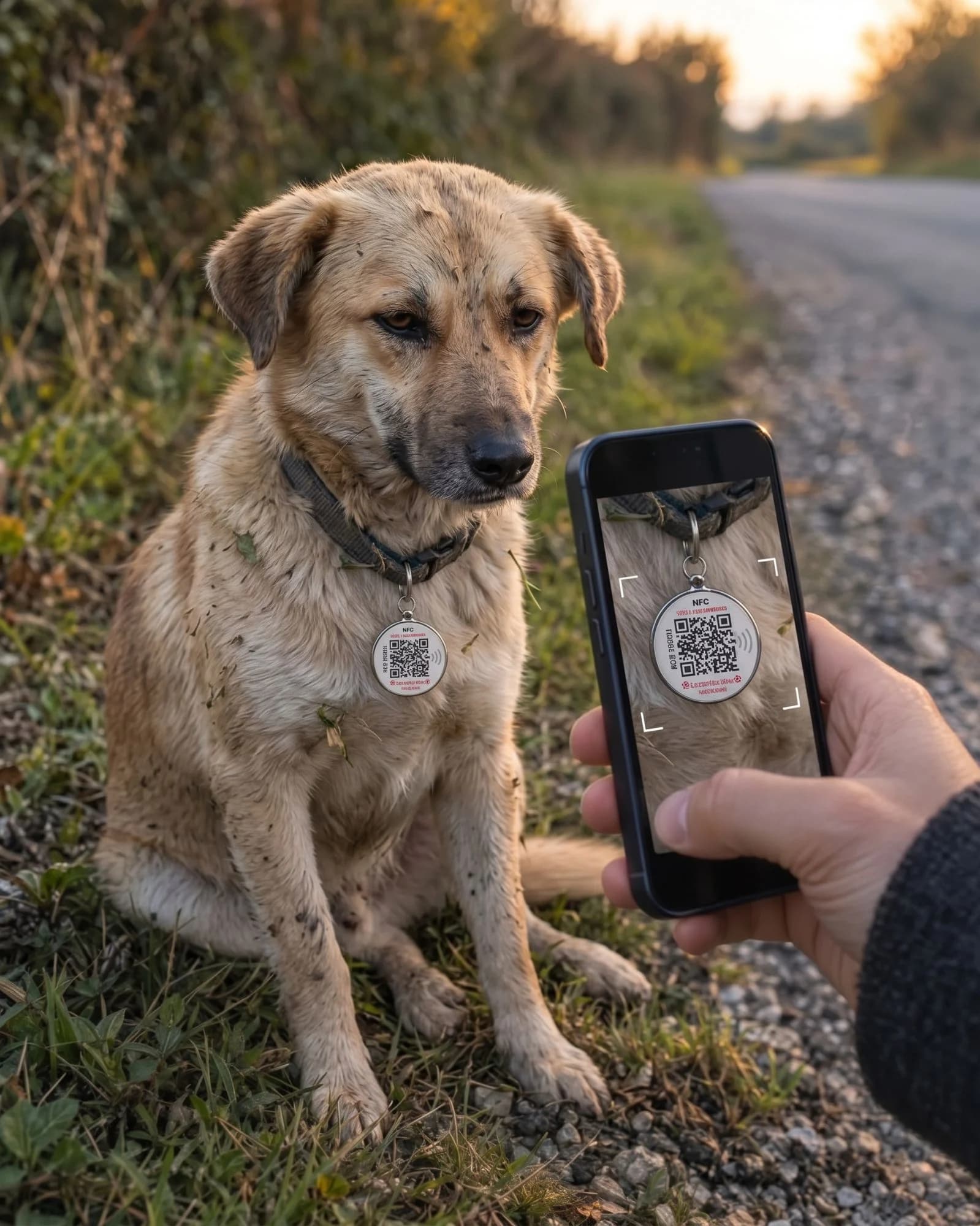
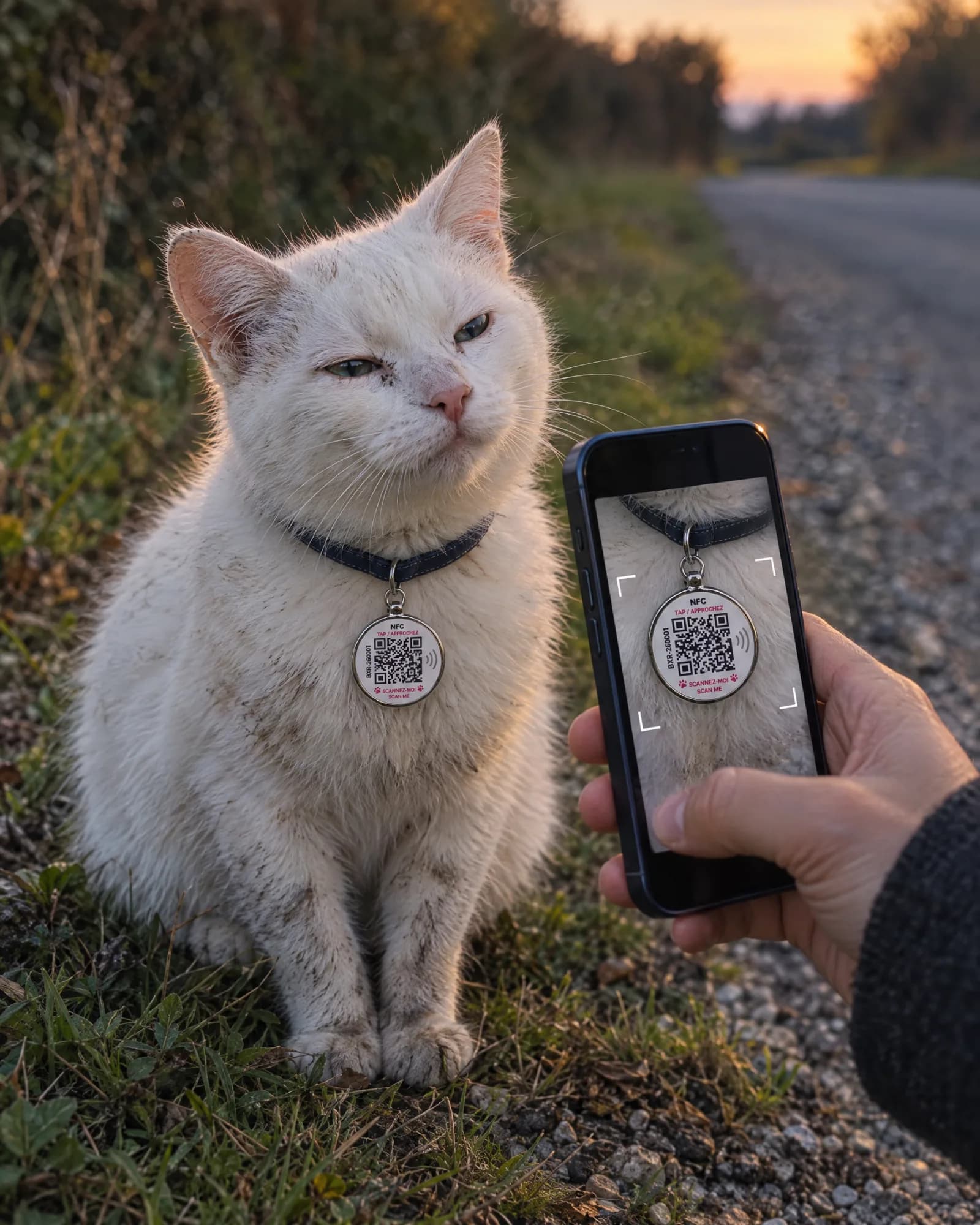
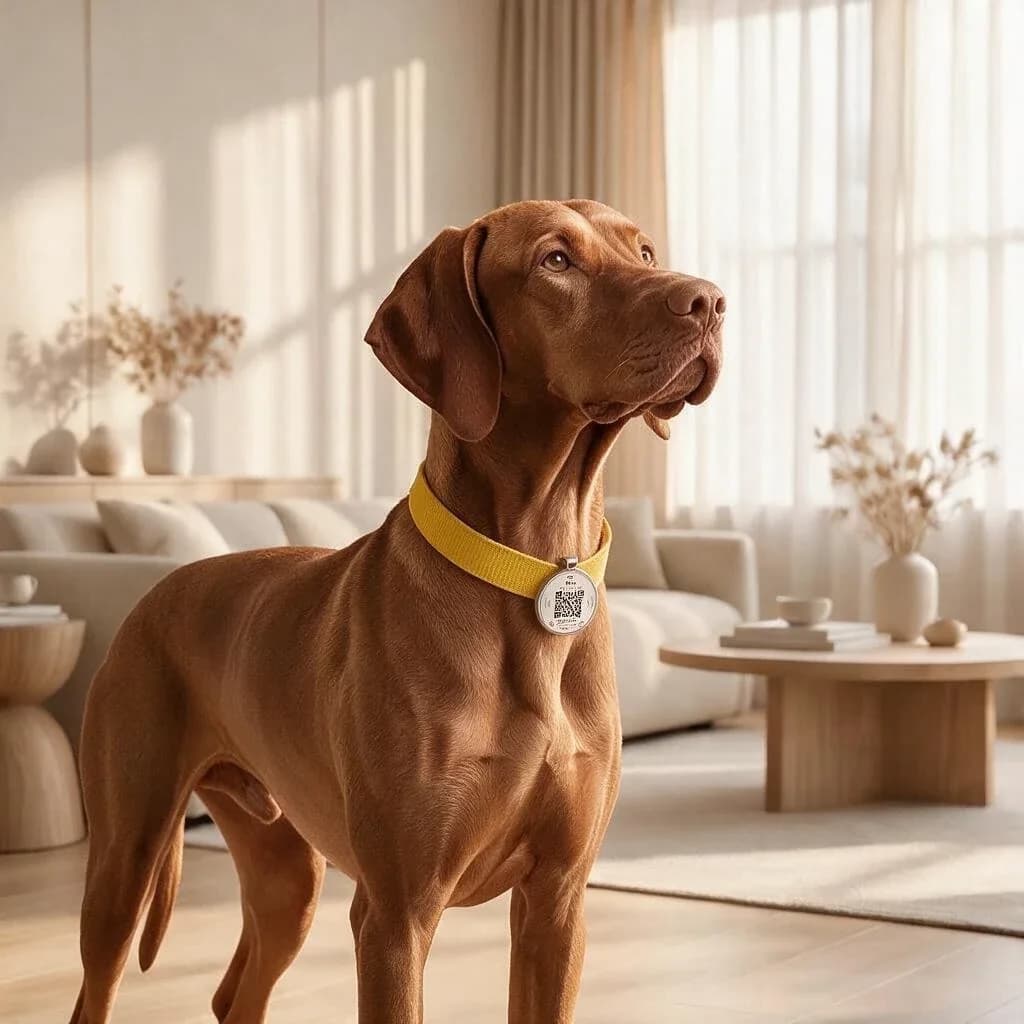
From the Bixar app, the poster is prepared from the medallion profile: an A4 poster to print and a social media image, with a QR code that opens the pet’s profile. You check the information before printing it; it is used only for the poster, without changing the profile or the public page.
Where to put it up
- Local shopsBakeries, convenience stores, pharmacies: places people pass every day.
- Vet practicesThose in the area, which also take in found animals.
- Town hall and busy spotsNotice boards, building entrance halls with permission.
- Social media and local groupsThe social media image, shared in neighbourhood groups.
Your checklist
My poster is ready
0/6
Also remember to turn on the medallion’s lost mode and follow the steps in the hour-by-hour checklist.