In brief
- Transmitting over the mobile network uses the most power.
- Update frequency is the setting that changes everything.
- Weak network and cold reduce battery life, on every tracker.
- Save battery during quiet periods, never during walks.
Two owners of the same tracker can see very different battery life. That is not a defect: it is the direct consequence of how a GPS uses power.
Understanding what uses power
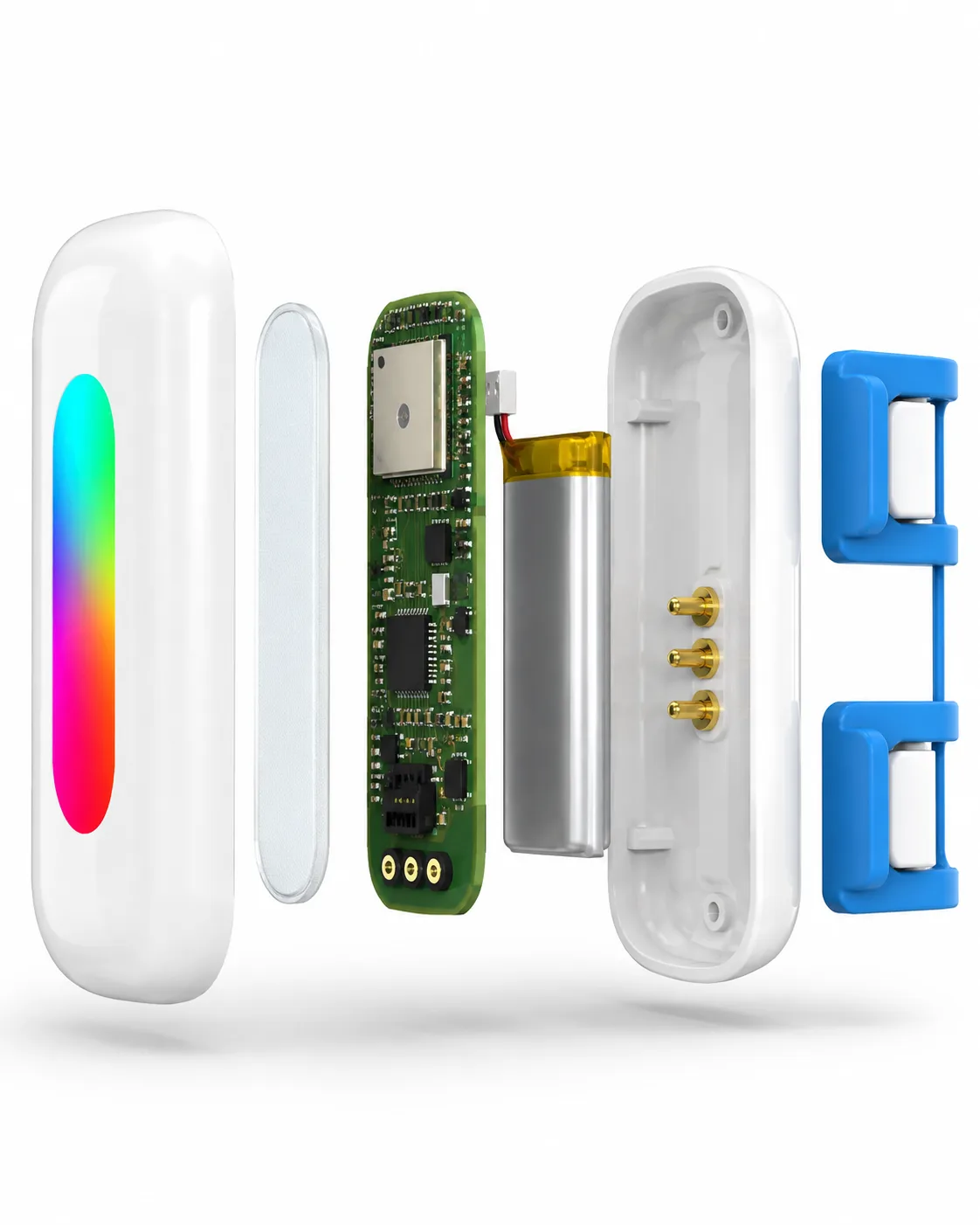
- Satellite calculationFor every position taken.
- TransmissionFor every send. The most sensitive when the network is weak.
- StandbyMarginal, but constant.
When coverage is weak, the modem increases its power to connect to the network and uses much more. This is the most sensitive item.
The levers, from the most effective to the most marginal
- Update frequencyHighClose tracking when out, a relaxed pace at home.
- Network coverage where the animal livesHighA tracker at the edge of the network wears itself out searching for it.
- ColdMediumLithium batteries temporarily lose capacity.
- Charging habitsLowThey mainly preserve the battery’s lifespan.
Relative impact, qualitative order of magnitude.
Update frequency changes everything. A position every few seconds gives very fine tracking — useful during a risky walk — but multiplies calculations and transmissions. Use close tracking during off-lead outings, and let the zone alert do the work at home.
Network coverage: you won’t move the mast, but you can put the dog’s “resting place” in an area of the house where the signal is decent. In a true dead zone, the battery life you see will be lower than stated — for every tracker on the market.
Cold: in winter, a tracker worn outdoors all day will run down faster. Plan to recharge before long outings in the cold.
Charging habits: recharge before long outings, avoid leaving the battery flat for long — lithium batteries age badly when fully discharged.
The battery life stated for the Bixar Phoenix
Bixar states up to 21 days in Power saving mode and up to 7 days at an intermediate update rate. These figures are maximums observed during Bixar’s internal tests: they are not certified by a third party and are not guaranteed. Battery life in LIVE mode (live tracking) is not disclosed until it has been measured. A full recharge is stated to take about 20 minutes. See the Bixar Phoenix 4G GPS page and its battery life.
Why brands’ figures should be compared with care. A battery life given “with power-saving zones” or “with continuous tracking” doesn’t describe the same update rate as a Power saving mode. Always read the condition next to the figure; our dog and cat GPS comparison reproduces it for each brand, with the date it was checked.
Good habits
Good habits
0/5
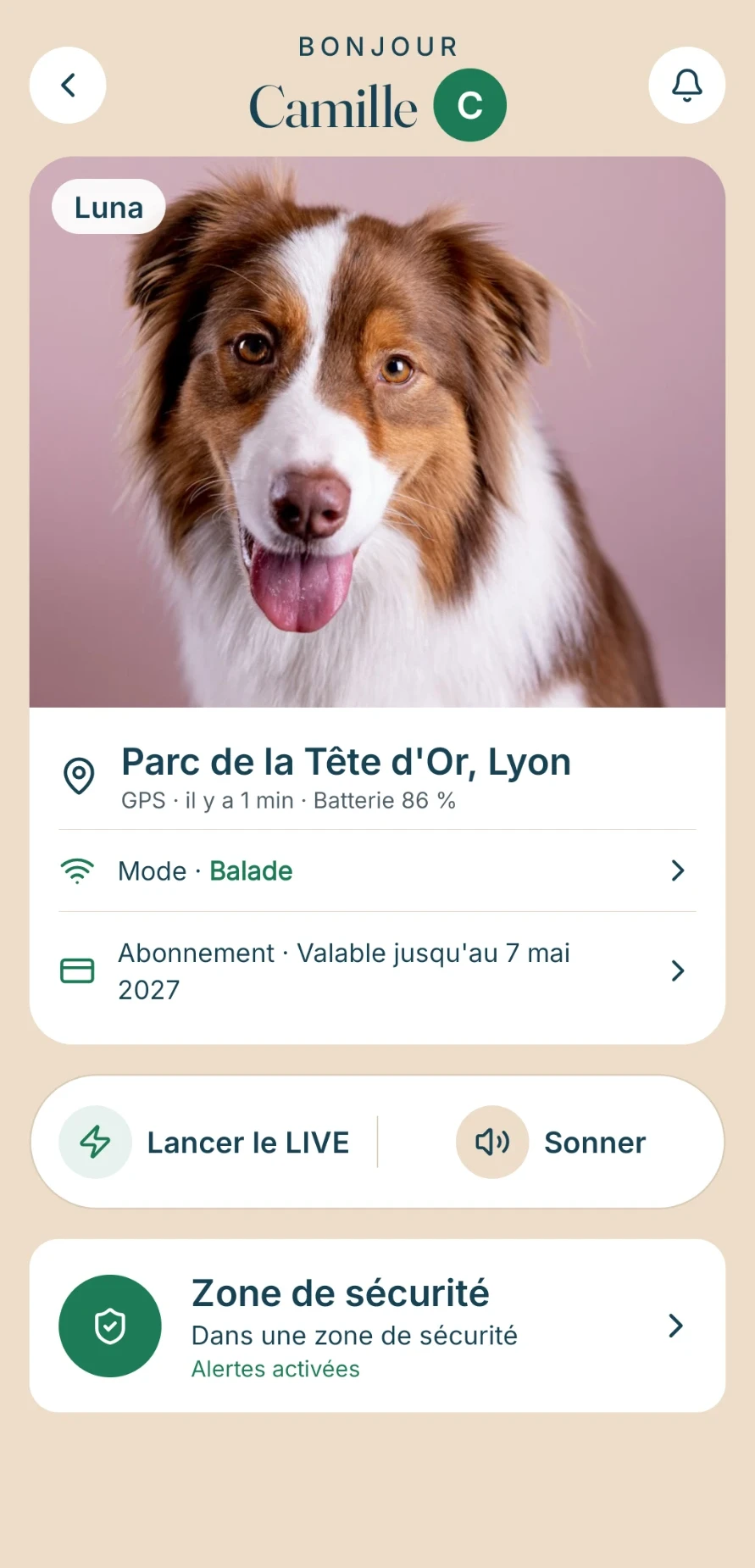
The Bixar app shows the battery level of the Bixar Phoenix 4G GPS: the best habit is still to glance at it before every outing.
To compare a tracker’s other criteria, see best GPS for dogs: how to choose one. How often it sends also depends on the journey of a position: see how a 4G GPS works and, before a trip, GPS when travelling in Europe.